Guide
How to Collect Photos From a Group Trip (Without the Group Chat Chaos)
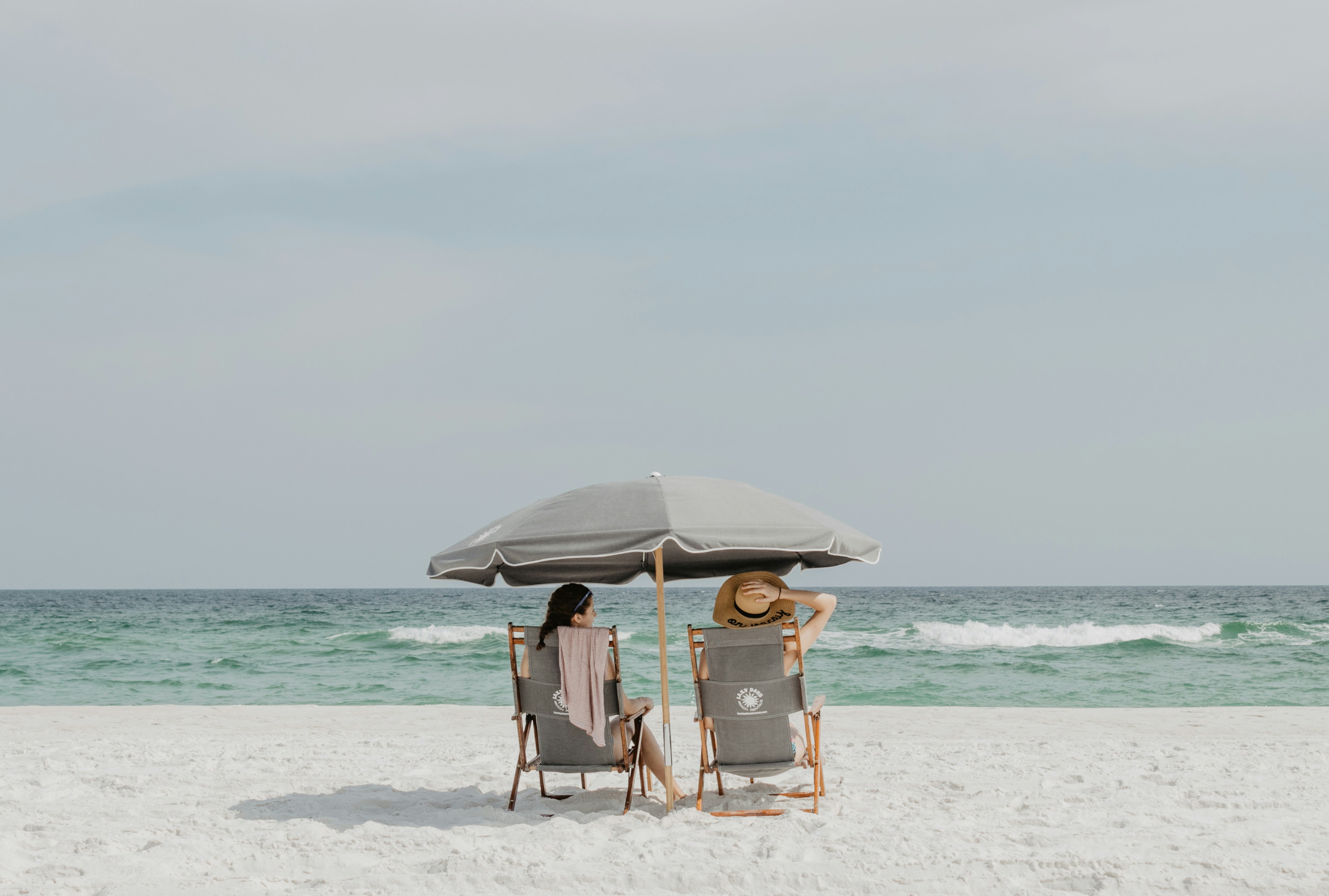
Eight friends, one week, four thousand photos — and the only ones you ever see are the ten someone dropped in the chat. Here is a better way to share group trip photos.
Group trips produce more photos than any other kind of event, and lose more of them. Everyone shoots on their own phone, everyone means to share "when we're back", and nobody does. The few that get shared arrive compressed in a group chat and vanish under three hundred messages about where to eat.
The Usual Options, and Why They Break
- Group chat. Compressed, disorganised, and impossible to download in bulk later.
- Shared cloud album. Works only if everyone is on the same platform and accepts the invite. Someone always is not.
- AirDrop / Nearby Share. Fine for two people at the airport. Useless for eight people over a week.
- "Send me your photos" after the trip. Nobody does. You know this.
One Link for the Whole Trip
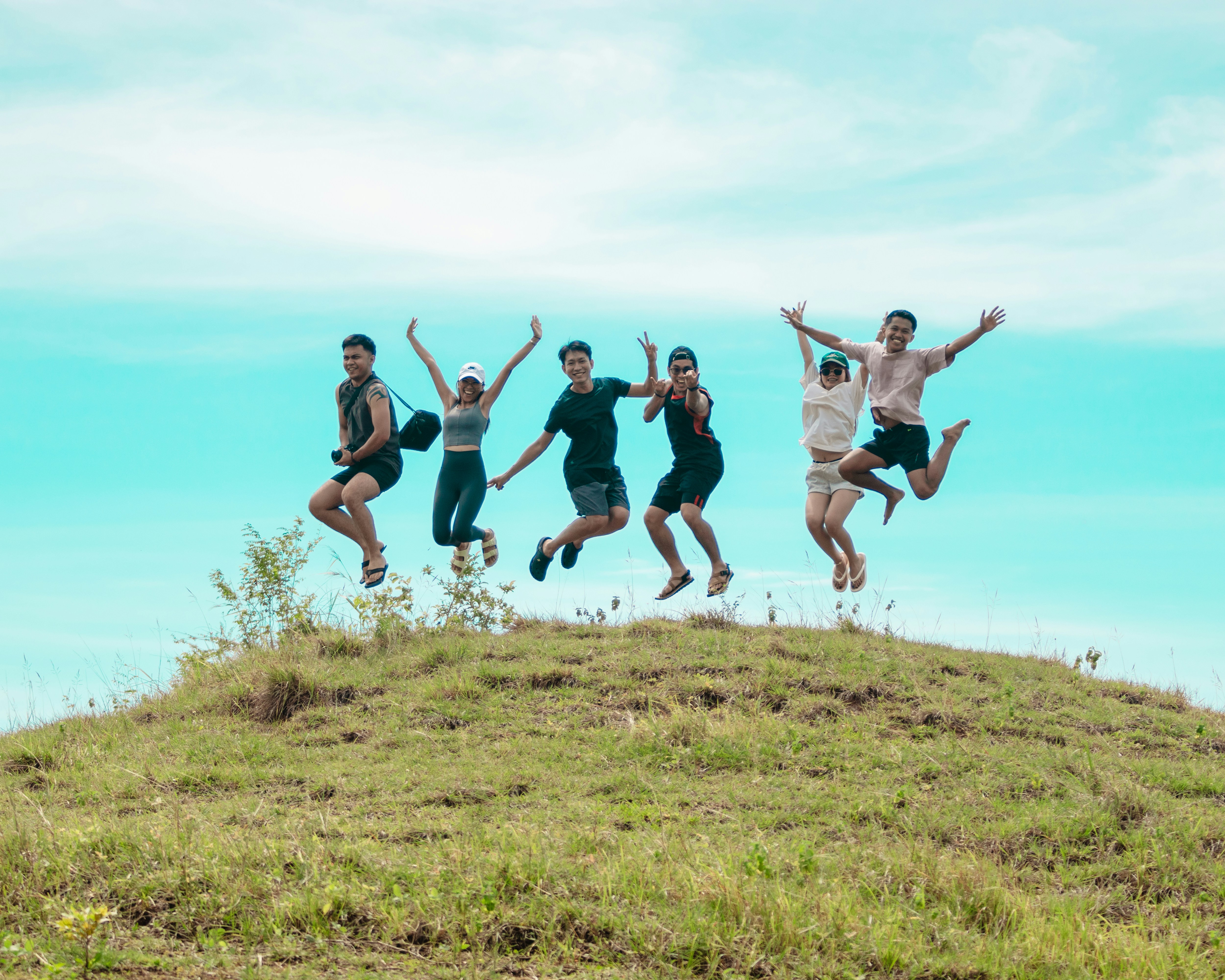
The approach that works is a single private gallery with a link (and a QR code) that everyone saves on day one. Photos and videos upload at original quality straight from the phone's browser, and everyone in the group can scroll through what the others captured — during the trip, not weeks after.
Blicas was built for exactly this: one event page, no accounts for your friends, uploads in a couple of taps, and a single ZIP download at the end.
How to Set It Up for a Trip
- Create the gallery before you leave. Name it after the trip, add a cover photo, and set the dates.
- Drop the link in the group chat once, and pin it. Ask everyone to open it and add it to their home screen. That is the whole onboarding.
- Print or screenshot the QR code. Handy on the car dashboard, the fridge in the rental, or the hotel room door.
- Upload as you go. Evenings on the balcony are the natural moment. Uploading each day keeps the gallery alive and reminds others to add theirs.
- Download everything at the end. One ZIP with all originals. Share it or keep it — your call.
Stag and Hen Weekends
Perfect use case: many people, lots of phones, questionable decisions. Ask everyone to add their name when uploading so the best-of selection for the wedding speech is easy to assemble.
Family Holidays
Grandparents rarely install apps, but everyone can open a link. A private gallery means the whole family, including the ones who stayed home, can follow along and download the photos afterwards.

Tips for Travelling With Limited Data
- Upload over hotel or café Wi-Fi in the evening rather than on mobile data during the day.
- Pick the best 10-20 shots per day instead of everything — quality over quantity keeps the gallery enjoyable to scroll.
- Videos are large. Upload the short ones on the go and the long ones when you are back on Wi-Fi.
Frequently Asked Questions
Does everyone need an account?
No. Only the person who creates the gallery signs up. Friends open the link and upload — no account, no app.
Can people delete photos they uploaded?
Yes. Each person can remove their own uploads from the same phone they used, and the gallery owner can remove anything.
Is the gallery private?
It is reachable only through the unguessable link or QR code, and it is not indexed by search engines.
How long does the gallery stay up?
It depends on the plan. Pick one whose retention covers the trip plus a few weeks for stragglers to upload.
One gallery for the whole trip
Create it before you leave, share the link once, and come home with everyone's photos.
Create your gallery